This page has been machine-translated from the original page.
Introduction
In this article, I will show you how to remove the quotation marks displayed on WordPress quote blocks.
I wanted to avoid modifying the WordPress theme as much as possible, so I summarized a way to handle it from the Customizer’s Additional CSS.
First, the quotation marks on WordPress quote blocks look like this, appearing at the upper left and lower right of a regular block.
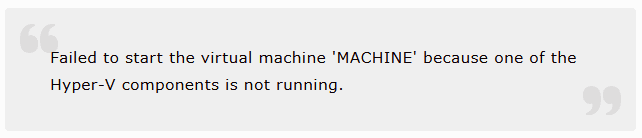
To remove these quotation marks, just add the following CSS code on the “Additional CSS” screen.
blockquote::before {
    display: none;
}

blockquote::after {
    display: none;
}
That alone removes the quotation marks easily.
That’s all—just a short note for future reference.