This page has been machine-translated from the original page.
With the following command, you can expand all ZIP files in a folder, including subfolders, with PowerShell.
Get-ChildItem -Path '<Folder Path>' -Recurse -Filter *.zip | ForEach-Object {
    $destination = "$($_.DirectoryName)\$($_.BaseName)"
    Expand-Archive -Path $_.FullName -DestinationPath $destination -Force
    Remove-Item -Path $_.FullName
}
I actually ran this script against a folder that contained multiple ZIP files in subfolders.
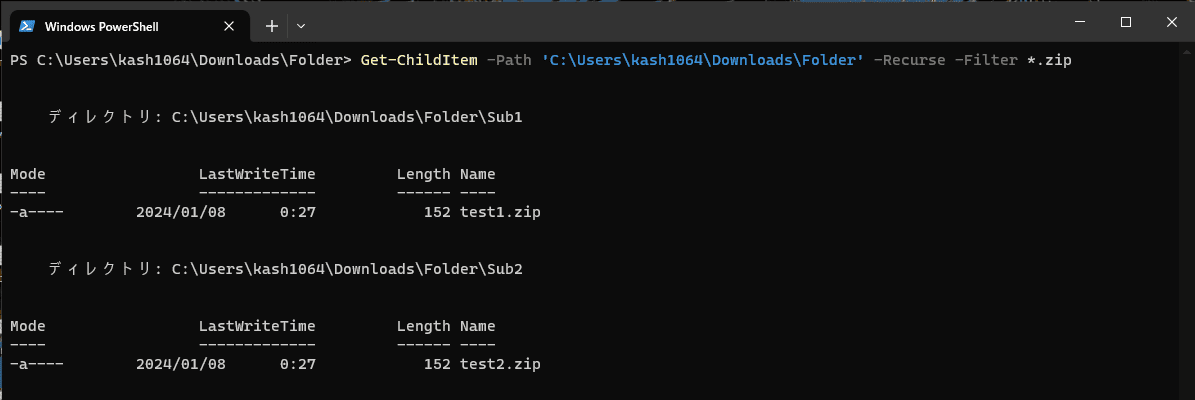
When you run the script, all ZIP files are deleted, and the folders containing the extracted files are expanded into the paths where the ZIP files were located.
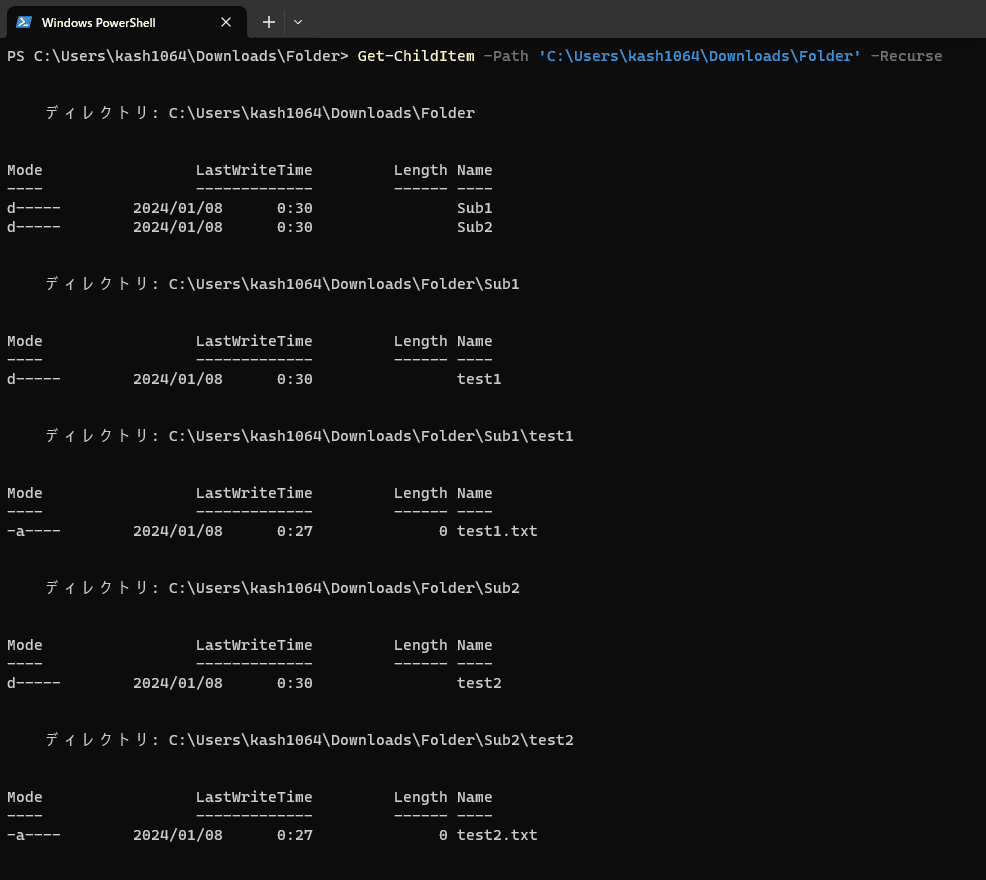
If you change the -Filter option in Get-ChildItem and the processing inside ForEach-Object, you can perform a wide variety of operations on arbitrary files in subfolders, so it looks like this could be useful in many different ways.
After a quick search, I couldn’t find a script that matched my needs exactly, so I decided to put it together as a blog post.